10 ChatGPT features worth trying (the full article is behind a paywall)

🕒 Published on Zendoric: November 10, 2026 · 02:47
✨ AI-generated · how it's made
Note: the download is only a preview of a paid article. The full text is reserved for subscribers to Forward Future's «Frontier Pass». Only the introduction and three of the ten features are visible, and the fourth is cut off. This summary is limited to what appears in that excerpt.
📚 Go deeper
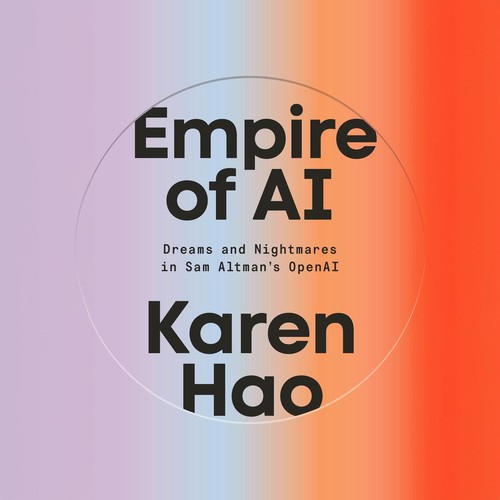
The definitive piece of investigative journalism on OpenAI: 260+ interviews, the clash between safety and speed, and the attempted firing of Sam Altma
As an Amazon Associate, Zendoric earns from qualifying purchases; the price does not change for you. · all our recommended books →
Note: the download is only a preview of a paywalled article. The full text is reserved for subscribers to Forward Future's "Frontier Pass." Only the introduction and three of the ten features are visible, and the fourth is cut off. This summary is limited to what appears in that excerpt.
The author, Nick Wentz of Forward Future, says that over the past six months AI has changed the way the publication operates. He says it affects the amount of work they can take on and the quality of what they produce. His team built a workflow in Codex that handles much of the repetitive operational work of the daily newsletter: researching news, organizing the selection and laying out the issue in Beehiiv. According to him, what used to take him more than three hours now takes about 20 minutes. That lets him focus on editorial judgment, original analysis and writing.
He also describes what he calls his "second brain": an AI assistant connected to his email, his meetings, his CRM and other business systems. It prepares him for meetings, tracks commitments and flags what needs his attention. He says that a few weeks ago it caught, on its own, an incorrect link in an email to a partner. His thesis is that the biggest benefit lies in deciding what he no longer needs to do himself. According to the author, models are improving, but the biggest returns come from connecting them to the right information and giving them useful responsibilities.
He states that over the past three weeks ChatGPT has added several features that make all of this easier. He picks ten and warns that not all of them are available to all users.
1. GPT-6.1 Terra (October 26). According to the article, the model interprets what is happening on a screen and interacts with software to complete tasks. Instead of describing a visual problem in words, the user can show a screenshot and ask it to fix it. The author raises this after spending a lot of time tweaking diagrams for an article about his second brain. He proposes three uses: fixing visual inconsistencies by comparing against a reference (typography, spacing, alignment and hierarchy); reviewing a newsletter, landing page or ad before publishing, looking for overflowing text, missing images or broken buttons; and investigating a metrics dashboard to explain an unexpected change. He includes a sample prompt for a design review. He argues that completing an action and verifying that it worked are different things, and that the assistant should check the result before considering the job done. Availability: ChatGPT Work and Codex on eligible paid plans. It is not in the regular chat tab.
2. iCloud Mail and Calendar plugins (October 27). The author describes a workflow he calls "Commitment Breaker," which tracks the commitments he has made to others in email and other connected sources. It also tracks those others have made to him, which he considers even more important in partnerships and sales. He currently does this with Gmail and Google Calendar. He says the new iCloud integrations offer a similar starting point for those who use Apple's mail and calendar. He proposes two prompts: one to identify his own promises from the past two weeks, with deadline, recipient, evidence of fulfillment and a link to the original email, and another to locate others' promises that are overdue or coming due. In that second prompt he asks it not to treat something as unfulfilled just because the follow-up cannot be found, and to flag anything uncertain. He recommends running them manually first before turning them into recurring routines. He also suggests using them to prepare for meetings by reviewing the next day's calendar and email history. Availability: on all ChatGPT plans on supported platforms, subject to account and workspace permissions.
3. ChatGPT Slides (October 16). According to the text, it can create editable presentations, work from reference decks and enable collaboration through shared Spaces. The author says the hard part of a presentation is not laying it out but deciding what information deserves a slide. He recommends two things: uploading a deck you already like so it mimics the typography, colors, spacing and design with new content, and providing the source material so it helps build the narrative. His example is a sponsorship proposal. He first asks for the five most compelling reasons and a proposed narrative, using only verified figures and flagging anything missing. He advises reviewing that narrative before asking it to build the slides. Availability: eligible Pro, Business and Enterprise users with access to Spaces.
4. Parallel agents in GPT-6 Pro (October 16). The preview cuts off at this point. All that is visible is that the author mentions an essay of his on the competition among five frontier AI companies (OpenAI, Google, Meta, Anthropic and xAI). He argues that they are not running exactly the same race and that a model given a hypothesis may put more effort into finding supporting evidence than reasons why it might be wrong. It is not possible to tell how he proposes using parallel agents.
Features 5 to 10 do not appear in the material received, so it is not possible to summarize them. Accessing them requires the full article with a subscription.
📚 Go deeper
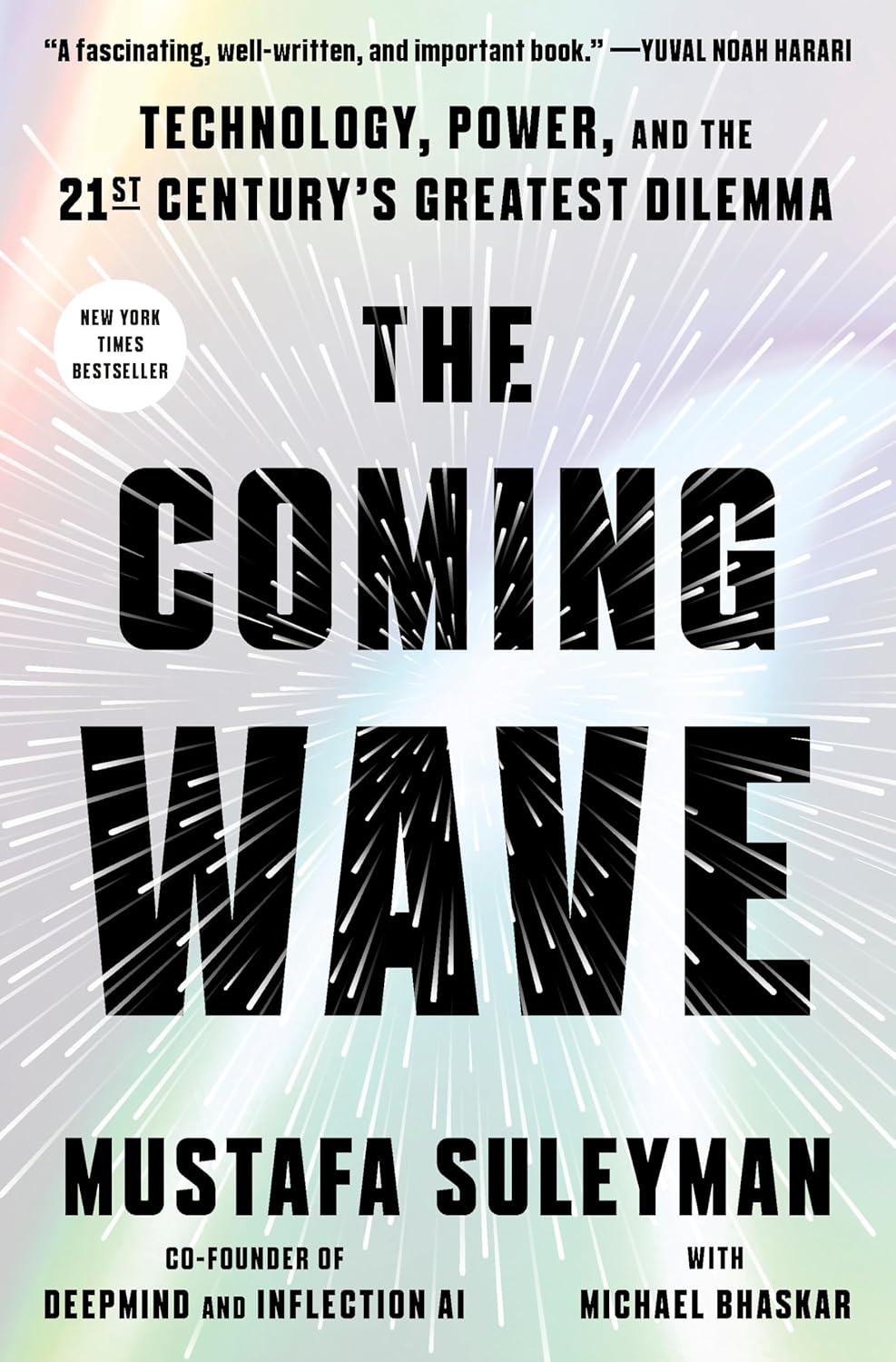
DeepMind co-founder on the dilemma of containing technologies that do not want to be contained.
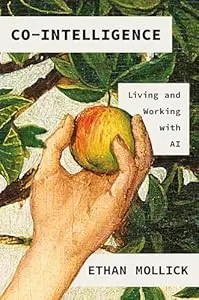
The best starting book if you're not technical: a Wharton professor explains how to work WITH AI — when to delegate, when to supervise, when to keep i
As an Amazon Associate, Zendoric earns from qualifying purchases; the price does not change for you. · all our recommended books →
🔗 Related on Zendoric
- Grok Bot guide: 50 uses for its new features (Part I): its own email, proactive routines and fact-checking bots · 2026-11-06
- The Trump administration partially reverses the ban on an Anthropic model called Mythos 5 · 2026-06-30
- Meta launches Muse Wonder, its largest and most advanced AI model series, to compete with Anthropic and OpenAI · 2026-10-14