Grok Bot guide: 50 uses for its new features (Part I): its own email, proactive routines and fact-checking bots

🕒 Published on Zendoric: November 6, 2026 · 00:20
✨ AI-generated · how it's made
Note: the downloaded content is a partial excerpt of a Forward Future article, with the rest behind a paywall («Keep Reading, Available to paid subscribers»).
📚 Go deeper

The reference manual for building products on top of AI models: prompts, RAG, fine-tuning, agents, evaluation and deployment.
As an Amazon Associate, Zendoric earns from qualifying purchases; the price does not change for you. · all our recommended books →
Note: the downloaded content is a partial excerpt of a Forward Future article, the rest of which is behind a paywall (“Keep Reading, Available to paid subscribers”). This summary is limited to what appears in the accessible portion, which covers the introduction, the overall plan and the first eight of the 50 announced use cases.
The article, written by Nick Wentz and dated November 5, 2026, argues that the most useful, if least eye-catching, new feature in Grok Bot in recent weeks is that each bot can have its own email address. With it, users can build workflows that trigger on their own. For example, if a prospective client writes to the bot, it can research the company, check the CRM and draft a personalized reply. A receipt arriving at another alias can be logged as an expense, and a newsletter arriving at a third can be filed for a weekly report.
Besides email, the piece mentions other additions from the past month: interactive dashboards, deeper integration with X, better access to websites and mobile apps, more powerful scheduling workflows and new ways to share specialized bots within a team. The author says the value comes from combining these capabilities. A bot that reads email, cross-checks the calendar, spots a forgotten commitment and drafts the follow-up is, in his view, something qualitatively different from one that merely filters messages.
The 50 use cases are grouped by functionality rather than by industry, and each includes an adaptable prompt. The author compiles them from product launches, demos and user examples on X and YouTube. The ten categories, with their number of cases, are: email and inbound triggers (5), proactive main bot and routines (7), X search and research integrations (6), interactive pages and dashboards (6), Vault and 1Password (2), computer use and “teach a task” (5), shared bots and multi-agent workflows (10), Cursor cloud agents and video (3), voice and mobile integrations (3), and commerce, integrations and templates (3). The article also includes “Team Picks” from the Forward Future team. It also warns that not all features are available to everyone: some require specific plans or integrations and others are still rolling out.
As a starting point, the author advises against immediately building an elaborate team of agents. He suggests picking a workflow that already eats up real time and checking whether the bot handles it reliably. He recommends five priority cases: giving the bot its own inbox (#1), a proactive “chief of staff” (#7), auditing subscriptions (#22), “teach a task” (#31) and updating the CRM after meetings (#32). For technical users he recommends #43, which delegates development to Cursor cloud agents. For those already running several bots, he points to #8, the automation verifier.
Category 1, email and inbound triggers. According to the piece, in October Grok Bot let bots have their own address and later added tagged aliases, such as yourbot+receipts@... or yourbot+leads@..., which trigger different routines. Case 1 proposes three aliases: one for receipts (extracting merchant, date, amount and category and dumping them into a spreadsheet), another for leads (researching the sender, checking the CRM and preparing a report with a draft reply) and another for research (collecting newsletters and summarizing them every Friday). It recommends testing each alias with a test email before forwarding real mail. It asks that the bot include links to sources, flag errors and never send external messages without approval. There are two caveats. Aliases organize incoming work but do not isolate access or permissions. And it may not be possible to change an address once claimed, so it pays to choose the name carefully.
Case 2 covers the example of Melvin Vivas (@melvindvivas), who uses a Gmail filter to forward incoming inquiries to his bot. The bot researches the sender and their business before the user opens the message. It can summarize what the company does, recent news, fit and useful questions, and, with a CRM connected, check for previous contacts. The author advises that the first version be limited to researching and drafting. Matt Berman, from the team, picked a “Lead Bot” as his favorite. The piece stresses the importance of giving it the real qualification criteria.
Case 3 describes Brian Casel's (@CasJam) approach. Instead of receiving constant notifications, his bots send him structured emails only when a decision is needed. They carry a fixed subject line and numbered items, and he replies with what to approve, change or skip. The proposed prompt generates a single digest every Monday at 8:00 with a maximum of six decisions. Each includes a recommendation and the consequence of not acting. The article notes that Casel's original workflow used a third-party email service for agents. It also warns that replying to a regular email is not necessarily equivalent to approving an action through Grok Bot's authenticated approval system. Matt Berman adds an “Email Triage Bot” as a favorite. It sorts email by importance, flags what requires a reply and prepares drafts. The advice is to start with sorting and drafts only, without letting it archive or modify anything on its own.
Case 4 is about unifying customer messages from multiple channels (WhatsApp, SMS, Apple Messages and support platforms). According to the article, Bird recently launched an integration that routes incoming messages to Grok Bot. Each message can trigger a routine that identifies the customer, looks up account or order data and drafts a reply. The prompt requires flagging refunds, legal or security matters and any out-of-policy case, and sending drafts for approval without ever replying directly to the customer. It requires the appropriate integration and event triggers, and testing first with low-risk inquiries is recommended.
Case 5 centers on Alex Finn (@AlexFinn), cited as a CEO. According to the piece, he used a dedicated bot to review sponsorship messages, spot real opportunities and reply to the legitimate ones. The article claims that four hours after setting it up, the bot negotiated and closed a $10,000 deal. This is the author's claim, which we cannot independently verify. The piece notes that, even without direct revenue, the bot saves time by checking whether the company is legitimate, whether the product fits the audience and whether there is a budget or brief. The prompt asks it to rank opportunities by fit and commercial potential, draft requests for clarification and accept nothing without approval. The article clarifies that Finn's demo predates October and that the new email features make it easier to set up.
Category 2, proactive main bot and routines. The article explains that the main bot can suggest help on its own initiative, and that routines now support more triggers and higher execution limits. Case 6 covers the example of Kris Kashtanova (@icreatelife). Her bot checks which comments she has not answered and sends her direct links, but does not reply on her behalf. The proposed prompt reviews comments from the past 24 hours every morning at 7:30, groups them by post and prioritizes them, without automatically replying, liking or following anyone. According to the piece, depending on the platform it may require a connector or browser automation. Brian Knepprath, from the team, proposes a cross-platform variant that gathers replies, mentions and questions directed at the user in one place, without the AI impersonating their voice.
Case 7 proposes a proactive “chief of staff.” Matt Palmer (@mattyp), whom the piece introduces as working in developer relations at SpaceXAI, said his bot detected that a scheduled ride did not match his flight's arrival time. It also spotted a schedule-change email that had not been reflected in the calendar. The author sees an even more valuable version in commitment tracking. This means promises made in emails, Slack and meetings that never make it onto the to-do list, as well as those others have made to the user. The prompt reviews tomorrow's calendar, recent email, approved Slack conversations and open tasks every afternoon. It alerts only when something warrants it and distinguishes confirmed commitments from inferred ones. It does not send messages or modify the calendar without approval. The main difficulty, according to the author, is calibrating the alert threshold so the bot does not become yet another inbox. Nick Wentz presents his variant, the “Commitment Breaker,” which he prefers to a generic daily digest.
Case 8, the last one visible, proposes a bot dedicated solely to verifying that the other automations did their job. A Grok Bot user described, according to the piece, a verifier bot that detected a sync routine marked as successful for six days without writing any data. The reasoning is that a routine can run “successfully” without producing the desired result. A sheet can update without adding rows, a draft can be saved in the wrong place and a CRM sync can stop updating records without warning. The proposed prompt reviews accessible routines and outputs every Friday, checks that the expected result exists and classifies each workflow as Verified, Failed or Unverifiable. The text cuts off here, before the prompt ends and before reaching the remaining categories.
In short, the visible portion reveals a common pattern. Start with a specific, low-risk workflow. Bots should draft and prepare, but not act externally without human approval. It is best to batch decisions into a few alerts and to verify actual results. Cases 9 to 50, including those on dashboards, Vault and 1Password, computer use, shared bots, Cursor, voice, mobile and commerce, fall outside the available material and are not described here.
📚 Go deeper
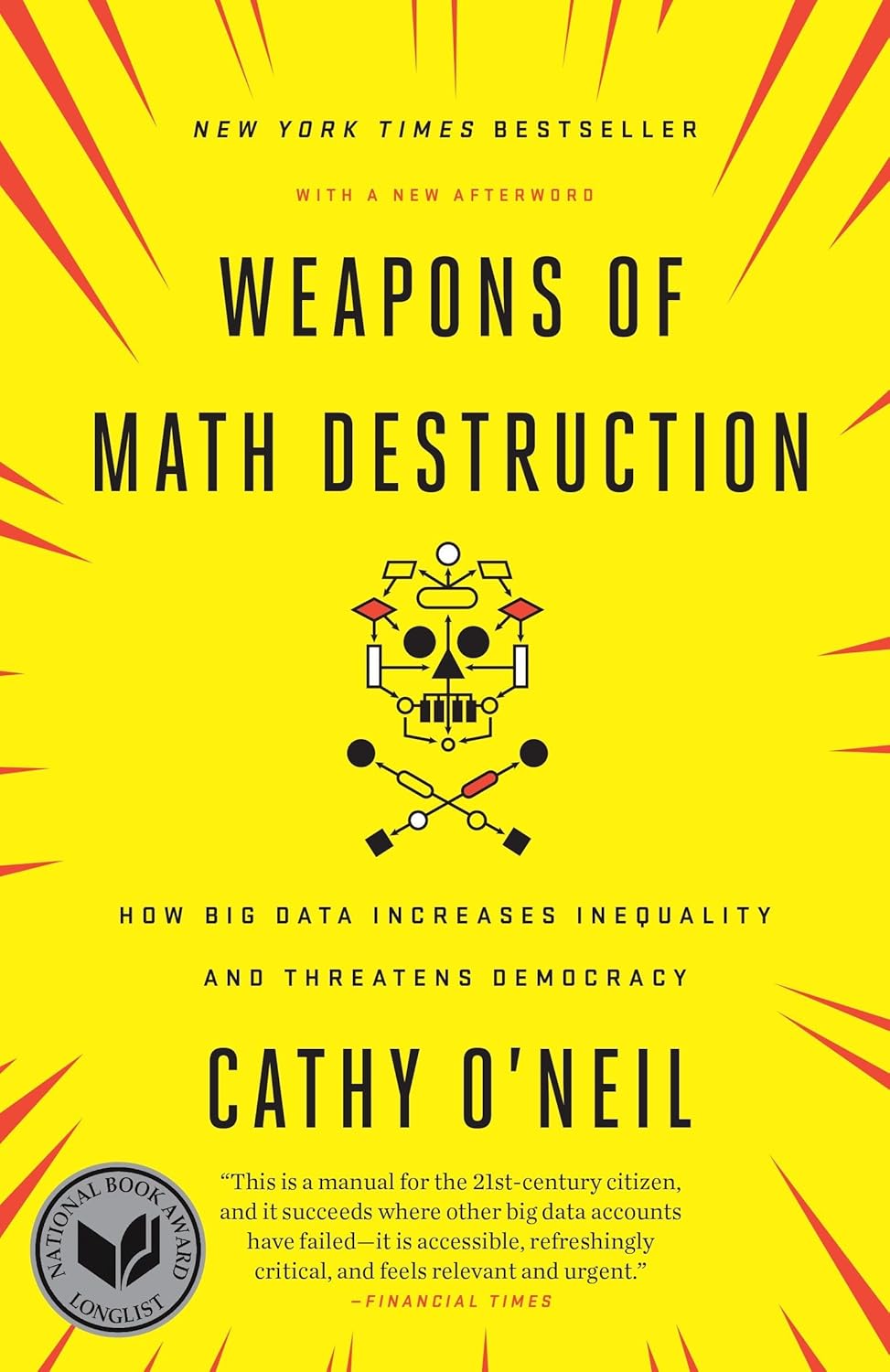
How opaque algorithms decide who gets credit, a job or parole — and why they tend to punish the same people.
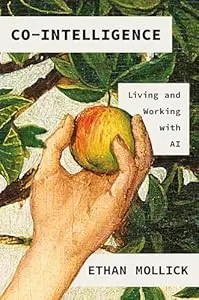
The best starting book if you're not technical: a Wharton professor explains how to work WITH AI — when to delegate, when to supervise, when to keep i
As an Amazon Associate, Zendoric earns from qualifying purchases; the price does not change for you. · all our recommended books →
🔗 Related on Zendoric
- How Forward Future built an AI "second brain" that works on its own: from a single email stream to structured memory · 2026-11-04
- How to set up a personal AI assistant that anticipates your needs (Forward Future guide) · 2026-10-21
- Does prompting still matter? The new rules for getting what you want from AI (Forward Future) · 2026-10-31