How to set up a personal AI assistant that anticipates your needs (Forward Future guide)

🕒 Published on Zendoric: October 21, 2026 · 00:18
✨ AI-generated · how it's made
Note: the downloaded content is partial. The Forward Future article (published on October 20, 2026, and written by Nick Wentz) is cut off by a paywall just as it reaches Step 4, and the final part is reserved for paid subscribers. This summary covers only what could be read.
📚 Go deeper
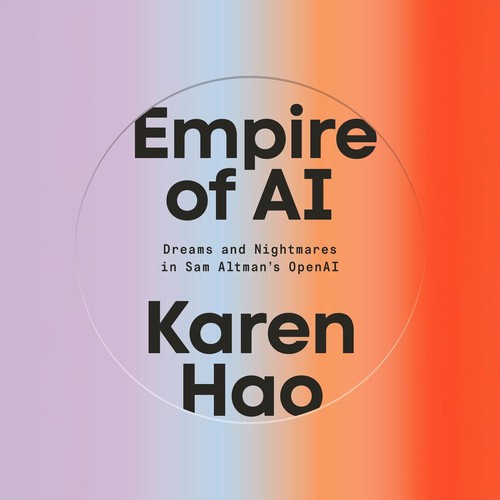
The definitive piece of investigative journalism on OpenAI: 260+ interviews, the clash between safety and speed, and the attempted firing of Sam Altma
As an Amazon Associate, Zendoric earns from qualifying purchases; the price does not change for you. · all our recommended books →
Note: the downloaded content is partial. The Forward Future article (published on 20 October 2026 and written by Nick Wentz) is cut off by a paywall just as it reaches Step 4, and the final part is reserved for paying subscribers. This summary covers only what could be read.
The article's central argument is that most people use AI to ask questions or generate content, but the real opportunity is an assistant that notices something needs to happen before the user remembers to ask for it. The article cites a DataReportal estimate that by mid-2026 about 2.4 billion people (roughly 29% of the world's population) use generative AI platforms. Yet only a small share appear to hand off ongoing tasks to assistants or autonomous agents such as OpenAI Dots or xAI Grok Bot.
The piece gives two examples. In the first, the user promised to send ideas to a colleague before a call with partners. The assistant spots the commitment, checks whether it has been met and prepares a draft for review. In the second, the user is travelling to San Francisco the following month. The assistant identifies clients and partners in the area, looks for open slots to meet and prepares outreach messages in advance. The aim is to give the assistant enough context and responsibility to anticipate needs without building a complex agent system.
The guide uses Grok Bot as its example because it is currently the Forward Future team's favourite. It notes that the same principles apply to other assistants and that integrations and capabilities vary. It compares the options as follows:
• ChatGPT (Dots): for people who already use ChatGPT and want to move from asking questions to delegating ongoing responsibilities. It is described as a persistent assistant that learns preferences and works across connected apps.
• Google Gemini: for people who work mainly in Gmail, Calendar, Docs and Drive.
• Microsoft Copilot: for companies built around Microsoft 365, Outlook, Teams and SharePoint. It appeals when work has to fit existing corporate systems and security policies, and depending on company policy it may be the only option.
• Claude Cowork: for people who work with documents, spreadsheets and research and want to delegate turning them into finished deliverables.
• Grok Bot: for people who want the experience of handing a task to a digital colleague, thanks to its ability to operate across apps.
The advice is to stop looking for the perfect assistant and pick one that handles your first job well. The article also warns that some features may need approval from the company's IT administrator.
Step 1: create the bot and give it a job description. You create an assistant (“Work Assistant” in the example). Before connecting any apps, you tell it who you are: your role and responsibilities, what you need help with and how you want it to behave. The sample prompt describes a VP of Product at a 200-person software company who has a lot of meetings and too much email. It asks the assistant to keep track of meetings, deadlines and commitments, and to say what to do next rather than just reading out the calendar. It should be concise and ask before acting when in doubt. Day one is an orientation, not an autobiography.
Step 2: give it context. The calendar shows what is coming up, and email supplies information about people, decisions and commitments. In Grok Bot this is done through “Connect Apps” by authorising email and calendar, and it is worth checking that the assistant can pull data from both sources. At first, the assistant is told only to read and summarise. It should not send or archive emails or change events without permission.
On security, the team admits it usually gives its assistants broad access because of the benefits, but acknowledges the privacy and security risks. It says each person must decide how much access they are comfortable with. It cites Microsoft's recommendation of task-specific, least-privilege access and a rule from QuarkAndCode: read before you write, draft before you send, ask before you spend.
Step 3: teach it what to watch for. This means defining what counts as “useful” through signals: upcoming deadlines, unfulfilled commitments, changes of plan and opportunities that would otherwise go unnoticed. The suggested prompt asks the assistant to review email and calendar for the next seven days. It should look for pending commitments, meetings that need preparation, deadlines that require advance work, messages that need a reply and connections between sources. For each item it must explain what it found, why it matters and what to do and when. It should also link the sources, admit when it cannot confirm something and avoid flooding the user with routine activity. The assistant is then asked to run the review, and the user checks whether it gets things right.
Step 4 (only the beginning is readable): decide when it should step in. The article warns that there is a moderate chance the assistant will not get everything right on day one. For example, it may count duplicate meetings or summarise junk mail. It proposes three levels of intervention: “alert me now” for urgent matters, “prepare something for review” (such as a draft of a promised document) and “include it in my next summary” for routine follow-ups. The rest of the text, including everything after this point, was not available in the download and cannot be summarised.
📚 Go deeper
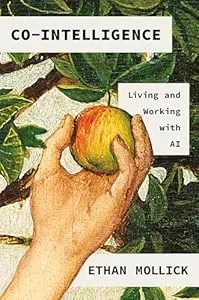
The best starting book if you're not technical: a Wharton professor explains how to work WITH AI — when to delegate, when to supervise, when to keep i
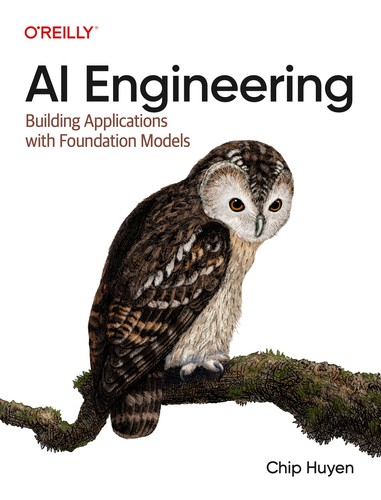
The reference manual for building products on top of AI models: prompts, RAG, fine-tuning, agents, evaluation and deployment.
As an Amazon Associate, Zendoric earns from qualifying purchases; the price does not change for you. · all our recommended books →
🔗 Related on Zendoric