CAKIE: record your screen with voice so your AI understands what you're asking (Mac beta)

🕒 Published on Zendoric: October 14, 2026 · 00:19
✨ AI-generated · how it's made
The downloaded content is the homepage of CAKIE, a beta app for Mac. It is not a news article or an independent review: it is the product's own promotional material. This summary is therefore limited to what the page claims, without checking it against external evidence.
📚 Go deeper

How opaque algorithms decide who gets credit, a job or parole — and why they tend to punish the same people.
As an Amazon Associate, Zendoric earns from qualifying purchases; the price does not change for you. · all our recommended books →
The downloaded content is the homepage of CAKIE, a Mac app in beta. It is not a news article or an independent review: it is promotional material for the product itself. This summary therefore sticks to what the page claims, without checking it against outside evidence.
The core idea is captured in the tagline "Don't just tell your AI. Show it." CAKIE lets users record a video of what is happening on screen while explaining out loud what they want, as if a colleague were sitting next to them. The app adds a transcript and highlighted screenshots to the recording so that an AI agent can follow the request.
The page illustrates the workflow with an example of feedback on a mock landing page. In the 30-second recording, the user says that a button should stand out more and be the primary action, that a headline needs more space beneath it, and that some cards look cramped and should be taller. The user adds that everything else is fine and should stay as it is. The tool generates a summary of those instructions: make "Start for free" the primary action, add more space below the headline and make the feature cards taller. The interface shown includes a timeline with gesture, drawing and "AI" markers, along with playback and speed controls.
The process is explained in two steps. First, record: the user talks about what is on screen, can point or draw to highlight details, or let the AI find the screenshots that match what they are saying. Second, paste: the video comes with its transcript and highlighted screenshots, and clicking "Copy Prompt" generates a prompt to paste into the AI agent. That prompt points to the transcript, the screenshots and the saved video. If the AI app cannot access local files, the screenshots must be attached manually.
On privacy, the page states that recording and transcription happen on the user's Mac. If optional online AI features are enabled, the text and images they require may pass through the company's servers to AI providers, and the page refers to its privacy policy for details. It also says users can review the output before sharing it, switching between the video and the highlights, and that nothing is shared with another app until they paste or attach it.
As for platforms, CAKIE is a Mac-only app and uses macOS microphone and screen recording permissions. The website carries a Taper Labs, Inc. copyright and offers a beta download.
Assessment: the product targets a real problem when working with coding and design agents, namely describing a visual issue in text. Combining voice, screen and screenshots could save lengthy explanations. However, the page includes no pricing, quality tests or comparisons, nor does it specify which AI providers are involved or how data is handled beyond what is stated, so it is worth trying the beta before drawing conclusions.
📚 Go deeper
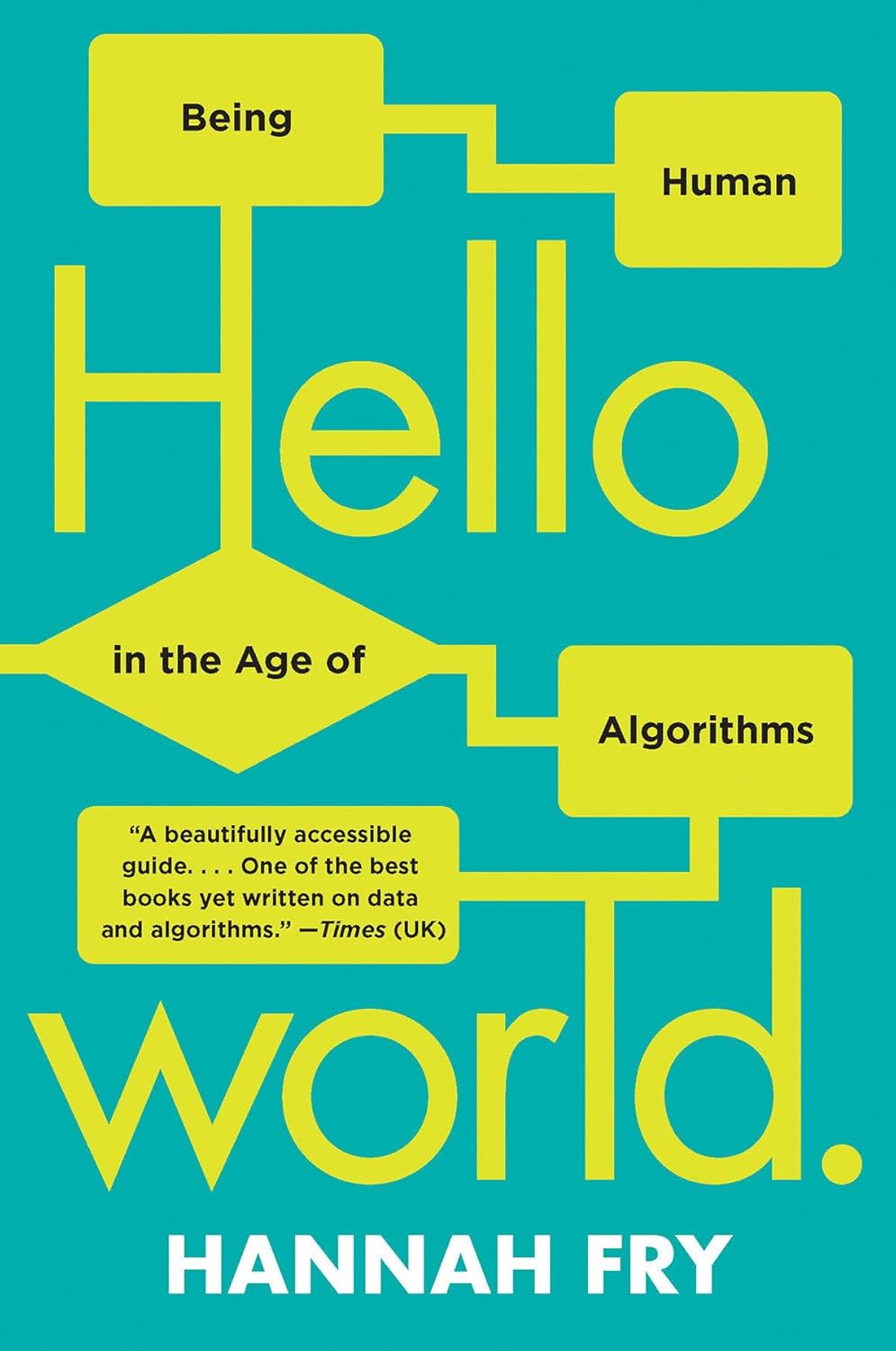
Algorithms in justice, medicine, cars and art, explained with British humor and mathematical honesty.
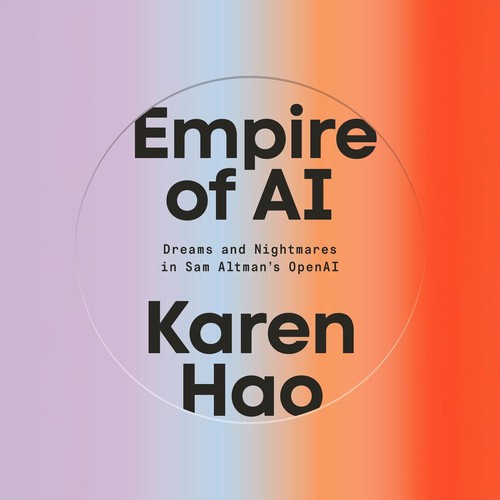
The definitive piece of investigative journalism on OpenAI: 260+ interviews, the clash between safety and speed, and the attempted firing of Sam Altma
As an Amazon Associate, Zendoric earns from qualifying purchases; the price does not change for you. · all our recommended books →
🔗 Related on Zendoric