Applitools turns Figma designs into the referee that catches when AI builds an interface wrong

🕒 Published on Zendoric: September 23, 2026 · 02:26
✨ AI-generated · how it's made
AI coding tools — Claude Code, Cursor, GitHub Copilot, Codex and others — have become very fast at generating interfaces from a simple prompt. The problem, the article explains, is not that they fail technically, but that what they produce does not always match the design that was approved.
📚 Go deeper
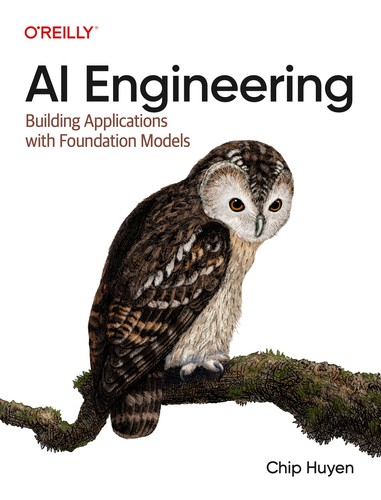
The reference manual for building products on top of AI models: prompts, RAG, fine-tuning, agents, evaluation and deployment.
As an Amazon Associate, Zendoric earns from qualifying purchases; the price does not change for you. · all our recommended books →
AI coding tools —Claude Code, Cursor, GitHub Copilot, Codex and others— have become very fast at generating interfaces from a simple prompt. The problem, as the article explains, is not that they fail technically, but that what they produce does not always match the design that was approved. A button may work perfectly and sit somewhere the designer never put it. A headline may wrap differently. A card may end up too wide. A responsive layout may break at a particular viewport. None of this means the code is broken: it means the implementation has drifted from the original design, a phenomenon the article calls 'visual drift'.
To tackle precisely that problem, Applitools has launched an integration called Figma Design Baselines. The idea is simple: the developer supplies the URL of a Figma frame and that piece automatically becomes the visual baseline against which the already-built interface is compared. Applitools automatically adjusts the test viewport to the dimensions of the original frame and applies its Visual AI comparison system to detect any difference between what was designed and what was ultimately implemented. According to the article, all of this happens without needing a Figma plugin, without exporting screenshots by hand and without uploading reference images separately, which spares the tedious process of having Figma in one window and the browser in another playing spot-the-difference.
This technical change carries a broader reading about Figma's role within AI-assisted workflows. Traditionally, a Figma design was handed to a developer who interpreted it and built the interface, with back-and-forth until the discrepancies were settled. With AI interface generation that process speeds up enormously, but the possibility of visual drift does not disappear; it simply happens faster. With this integration, the Figma file starts to act as a visual reference that an automated testing system can verify against the actual implementation. The question design teams face is no longer only 'did the developer follow my design?' but also 'did the AI follow my design?'.
The second half of the announcement, published on 15 September, is just as relevant: Applitools has expanded its Eyes MCP Server, the connector that links its visual testing system to AI coding agents. Previously, an agent connected to Eyes MCP could add visual tests from the chat itself. With the new tools, the agent can also inspect, review and resolve those tests on its own. Applitools explains that the system can give the agent pixel-by-pixel information about visual differences along with DOM context, helping it identify what has changed without forcing the developer to jump to a separate testing panel. The agent can even accept, reject or mask visual baselines directly from the conversation. The release notes explicitly mention Claude Code, Cursor, Copilot and Codex, and the 15 September announcement also adds Cline among the supported workflows.
Combining both pieces produces a rather interesting feedback loop: Figma design → implementation → visual comparison → difference detection → AI-assisted investigation. The article stresses that this is different from simply asking an AI 'does this screenshot look right?'. Applitools positions itself as a deterministic visual validation layer that performs the comparison and then hands the coding agent the resulting differences along with structural context, instead of leaving it to the AI itself to subjectively judge whether something 'looks right'. The designer is not left out of this equation; if anything, the approved design gains importance because it becomes the formal visual target against which the implementation is measured.
The article frames this as a response to one of the least glamorous problems in AI coding: AI-generated websites look impressive in demos, because demos tend to stop right at the moment the interface appears. Real products, by contrast, change over time, reuse components, behave differently depending on the browser, see their responsive layouts break and, sooner or later, someone asks why the buy button looks odd on an iPhone. Applitools claims its platform can perform visual validation across different browsers, devices and operating systems, while the new Figma integration provides a direct reference for how the interface was originally supposed to look. The question is no longer whether the AI generated working code, but whether what the end user sees still resembles what the designer approved: 'it was generated correctly' and 'it matches the design' are, the article notes, two very different things.
The conclusion the text puts forward is that the design file could become more important, not less, as these kinds of workflows become standard. The Figma file is shaping up to be the visual specification that keeps AI-generated interfaces anchored to the original design: the agent builds, the browser renders, Applitools compares and Figma provides the reference. If this model becomes widespread, designers could spend less time pointing out that a padding value is wrong and more time deciding what the interface should really be in the first place, something the article itself describes as a far better use of a designer's time.
📚 Go deeper
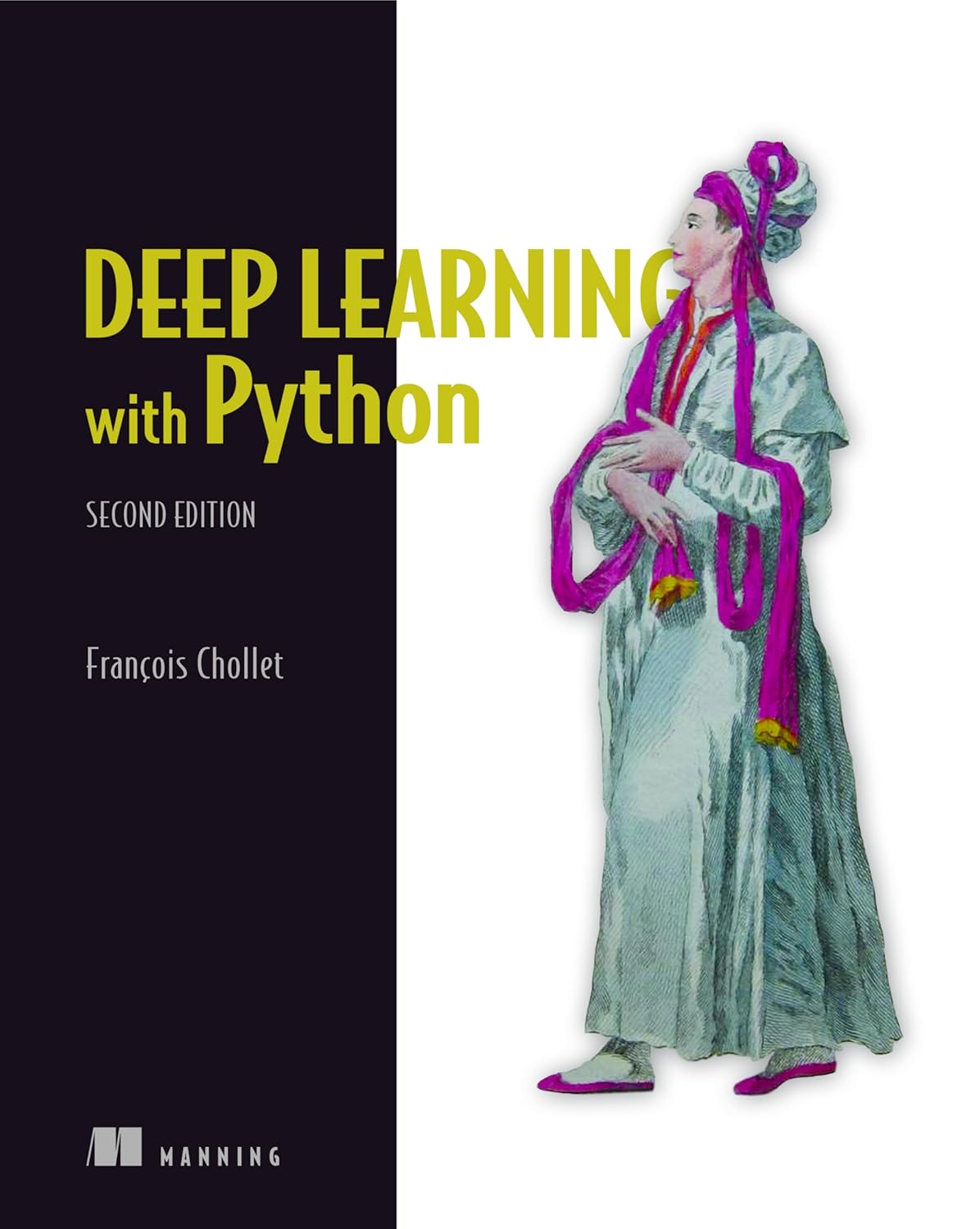
The creator of Keras teaching from scratch, with working code and zero pedantry.
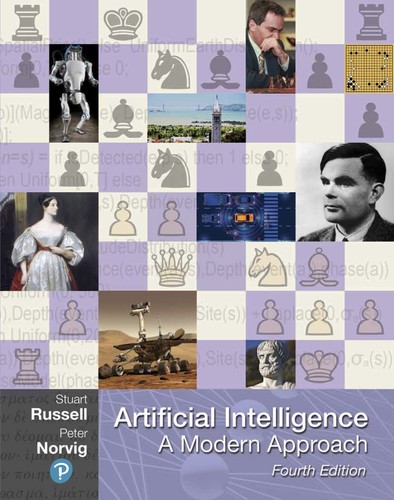
THE AI textbook: used by 1,500+ universities.
As an Amazon Associate, Zendoric earns from qualifying purchases; the price does not change for you. · all our recommended books →
🔗 Related on Zendoric
- A VS Code extension with 4 installs takes on a real problem: vague prompts that waste AI tokens · 2026-10-04
- From Vibe Coding to Spec-Driven Development (SDD): 2026 Guide and Tools (Kiro, Spec Kit, Tessl) · 2026-07-05
- Nate builds the "Token Saver Skill" to cut reused token consumption by 90% in Codex and Claude Code · 2026-07-30