Causal: an infinite AI canvas to organize notes, images and creative projects in a single space
🕒 Published on Zendoric: September 8, 2026 · 00:18
✨ AI-generated · how it's made
Causal is presented as an "AI canvas workspace", a spatial, infinite workspace designed for people working on creative projects who need to gather in one place what is normally scattered across several applications: notes, images, screenshots, videos, links and files.
📚 Go deeper
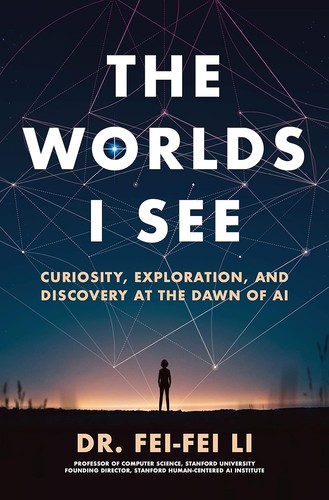
The memoir of the creator of ImageNet, the scientist who made the deep learning revolution in vision possible.
As an Amazon Associate, Zendoric earns from qualifying purchases; the price does not change for you. · all our recommended books →
Causal bills itself as an "AI canvas workspace," an infinite, spatial workspace designed for people working on creative projects who need to bring together in one place what is usually scattered across several apps: notes, images, screenshots, videos, links and files. The central idea the website sells is that, instead of filing information away in folders, the user places items on a canvas and organizes them spatially according to how they think: related ideas sit close to one another and the layout itself becomes the organization, preserving the causal relationships between concepts.
Among the features described are a built-in text editor for saving information in text files, a system for pasting images and videos directly from the clipboard, and link management to keep a project's sources and references. The differentiating piece is an AI assistant that, according to the article, "reads" the entire canvas, understands how the user's ideas connect and uses its own tools to create and organize new content directly on the canvas. An example shown on the site illustrates this with a query about "leading approaches in carbon capture," where the AI searches for results, creates cards with the sources it finds and places them automatically on the canvas. The site also describes this capability as "native output generation": from prompts, the agent turns text into notes, files or web links and places them where they are needed.
To keep the canvas from turning into chaos, Causal offers three structuring mechanisms: collections to group nodes into ordered columns, nested canvases to give a topic its own space within another canvas, and an "unsorted tray" in which to park items that do not yet have a defined place.
The tool also includes a library of templates geared toward creative and product workflows: mapping an app's screens and routes (App Flow), planning features and launch priorities (App Plan), researching brands and reference palettes (Brand Research), defining brand typography and colors (Branding Board), comparing competitors' products (Competitor Research), onboarding guides for new hires (Onboarding Instruction), video storyboards (Story Board), video briefs and production plans (Video Brief and Video Plan), and moodboards or page layouts for website design (Website Moodboard and Website Plan).
According to the site's own FAQ, Causal positions itself as "the step before opening any creative tool," setting itself apart from Notion (which organizes information into pages and databases) and Obsidian (plain markdown files): Causal's canvas supports rich text, files and images without forcing a page structure, prioritizing the freedom to plan before executing.
On files, the site states that any file type up to 20 MB can be uploaded, and that PDFs, Word documents, Adobe files, markdown, spreadsheets, images and video open full screen with real previews inside the app; markdown and CSV files can even be edited in place, saving changes directly to the original file. Notes come in two formats: quick notes directly on the canvas and longer documents that open in a full-page editor, both with the same set of rich formatting (headings, lists, checkboxes, quotes, code blocks, highlights, images and links).
On availability, there is a free desktop app for Mac that updates itself, but for now there is no mobile app, since — according to the site itself — Causal "needs a desktop-sized screen to make sense," leaving that possibility for later. Any canvas can be shared as a read-only link with one click, without the recipient needing an account, and shared access extends to the canvases nested within it.
On pricing, the free plan (£0, no card required and no expiry) includes — according to the pricing table — 100 notes, images and links, 10 files and 5 widgets, plus the Mac desktop app and unlimited canvases and shares; however, the FAQ section of the same site gives different figures for that free plan (200 nodes and 50 AI requests per month), a discrepancy that appears as such in the downloaded content and that is worth flagging, without it being possible to clarify which of the two figures is current. The Pro plan costs £8 a month and includes unlimited notes, images, links, files and widgets, plus ten times more AI requests than the free plan.
The article includes three brief testimonials from users identified by their role (a motion designer, a product designer and a content creator), who mainly value the interface's simplicity, the AI feature and the ability to have in one place images, links, documents, Figma files and call recordings that are normally spread across different apps.
A curious detail in the downloaded material is that, among the examples of content that can be saved on the canvas, there is a fairly lengthy note about spaced repetition techniques for studying (for example, that reviewing information through active recall works better than rereading, that the optimal interval widens after each correct answer, or that the SM-2 algorithm from 1987 remains the basis of most review programs today). That note is not a claim by Causal's own team about its product; rather, it works as an illustrative example of the kind of long text document a user could save and edit within the canvas's built-in editor; it is reproduced here only as a sample of the feature, not as an independently verified fact about study techniques.
Taken together, the downloaded material is the complete content of Causal's product page (landing page, templates, pricing, FAQ and testimonials), with no signs of paywall truncation; it mentions no user numbers, funding rounds, launch date or performance comparisons against other canvas or note-taking tools, so this summary is limited to what the site itself describes about its features, templates and plans.
📚 Go deeper
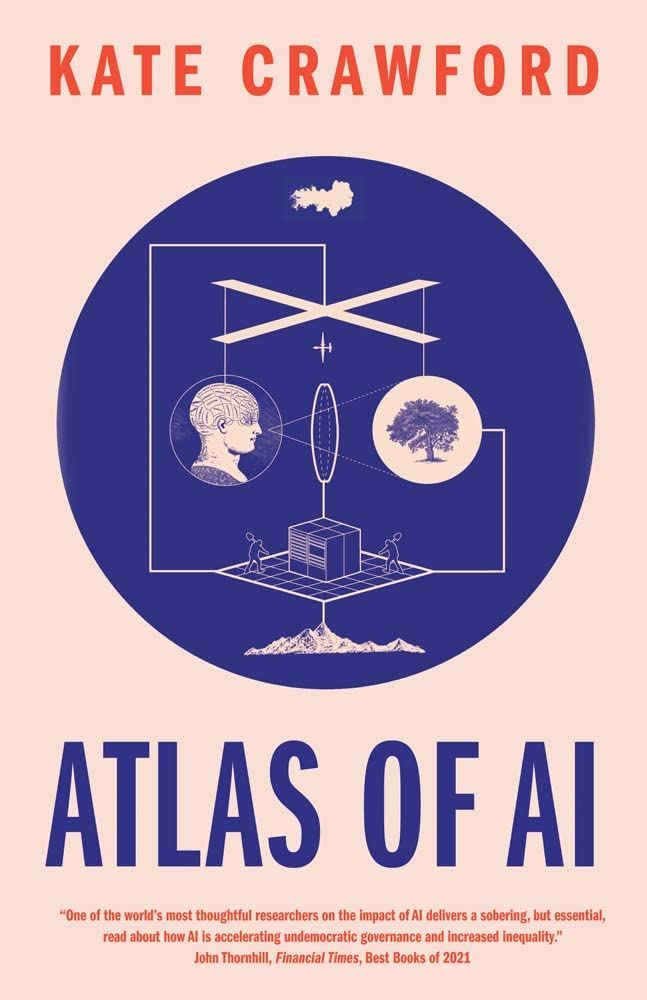
AI as an extractive industry: the lithium, the energy, the underpaid data-labeling work and the bodies behind the cloud.

The only novel on the list, by a Nobel laureate: an artificial friend observes humans with a blend of lucidity and innocence no essay achieves.
As an Amazon Associate, Zendoric earns from qualifying purchases; the price does not change for you. · all our recommended books →
🔗 Related on Zendoric
- OpenAI DevDay: Dots, Space and GPT-6.1 Sol, toward a ChatGPT that retains context and is shared across a team · 2026-10-04
- NVIDIA lets an agent deploy 3D camera networks with a prompt: DeepStream 9.1 ends manual calibration · 2026-07-19
- How NASA is building its 'People Graph': a knowledge graph with LLMs to map talent and projects · 2026-09-05