Microsoft wants to end web apps on Windows 11: its new AI already writes native WinUI apps in 30 minutes

🕒 Published on Zendoric: September 8, 2026 · 00:18
✨ AI-generated · how it's made
Microsoft has published a quick-start guide that promises to take anyone, even with no prior experience, from an empty folder to a WinUI 3 application published on the Microsoft Store in roughly 30 minutes.
📚 Go deeper

The story of NVIDIA and Jensen Huang: how a video-game card company ended up making the most coveted resource on the planet.
As an Amazon Associate, Zendoric earns from qualifying purchases; the price does not change for you. · all our recommended books →
Microsoft has published a quick-start guide that promises to take anyone, even with no prior experience, from an empty folder to a WinUI 3 application published on the Microsoft Store in roughly 30 minutes. The process combines Visual Studio Code, .NET 10, the Windows app development CLI (winapp), WinUI project templates, GitHub Copilot and a new plugin called the "WinUI agent", all without needing the full Visual Studio and using exclusively free tools, including GitHub Copilot's free tier.
The workflow is straightforward: an AI agent creates the application, adds extra features on request, tests it, packages it in MSIX format and submits it to the Microsoft Store, all with minimal human intervention. The WinUI agent is not a generic chatbot like Copilot; instead it comes with specialized skills in WinUI interface design, code review, UI testing, packaging and migration between frameworks. Microsoft also recommends connecting the agent to its Learn MCP server, so that it consults up-to-date WinUI API documentation at the moment it generates the code, thereby offsetting the relative scarcity of training material on WinUI 3 compared with more established frameworks.
More significant than the assistant for creating new apps are the AI-assisted migration guides for existing WPF and UWP applications, which is where Microsoft's real problem lies: an enormous legacy of software that never made the jump to modern native frameworks. The WPF migration guide does not treat the process as a simple "find and replace": swapping System.Windows.* for Microsoft.UI.Xaml.* comes with a full mapping table covering controls, threading, window management, DPI and data binding, along with an initial prompt that tells the agent what it should flag during the process. In the case of UWP, the guide itself warns that the framework is no longer under active development and that WinUI 3 together with the Windows App SDK are its designated successors; it also cautions that AI models, trained on years of UWP code samples, will tend to reproduce those old patterns unless they are given explicit replacements to follow.
This effort is part of a broader commitment announced at Build 2026, where Microsoft described WinUI as the "production platform for Windows applications" and dropped the "3" from its name to signal that it will not replace the framework again, something that has happened several times in the past. The company also pledged to reduce memory usage, add DataGrid and charting support, improve interoperability with WPF and increase open source participation; in fact, WinUI is already fully open source. In parallel, Microsoft has been replacing pieces of Windows 11's legacy interface with WinUI 3 components, such as AutoPlay and print management, with more changes on the way.
The article does, however, point to an uncomfortable contradiction: Microsoft's messaging does not frame WebView2 or Electron as bad technologies, and its documentation argues that resource consumption depends on how well each developer optimizes their web content. The problem is that its own applications do not always practice what they preach. The Windows 11 Weather app, built on WebView2, consumes 1.2 GB of RAM at idle — around five times more than Apple's native macOS Weather app — and spawns nine Chromium subprocesses. Microsoft Teams, despite the company's enterprise focus, only added an efficiency mode after years of user complaints. Third-party applications such as WhatsApp for Windows have suffered slow load times and heavy memory use (600 MB of RAM while idle on a PC with only 8 GB), while Discord has acknowledged that its Windows app is a resource hog and has tested automatically restarting it when it exceeds 4 GB of RAM.
Underlying this strategy is the question of whether AI-generated code is actually any good. The article cites remarks from David Fowler, a Microsoft distinguished engineer working on Aspire, who has said that "writing code by hand is completely over". But the fact that AI makes producing code cheaper does not mean that code is any good, something Microsoft itself appears to acknowledge by giving the WinUI agent specific code review and UI testing skills: if the goal is for AI to generate more software for Windows, that software still needs to be efficient, or the result will simply be more poorly optimized native applications.
The article frames all of this as part of a broader redesign of the Windows developer ecosystem around AI, at a time when many programmers prefer Linux environments and a large share of AI application developers opt for MacBooks because of the hardware. Microsoft's answer works on three fronts: building a complete pipeline spanning WinUI, an AI coding agent, migration tools, automated testing, packaging and Store publishing; doubling down on WSL, allowing coding agents to run inside Linux environments with full GPU access so developers do not leave Windows; and promoting workstation hardware with high memory bandwidth, such as the Nvidia RTX Spark machines — the Surface RTX Spark Dev Box and the newly announced Project Zenith — systems that offer at least 64 GB of RAM and 250 GB/s of bandwidth to run models with more than 30 billion parameters locally.
Taken together, Microsoft's bet is to make developing for Windows happen inside a Windows environment designed around AI agents. If the strategy works, Windows could gain more native applications without developers having to rewrite everything by hand. But, as the article itself concludes, Microsoft has yet to prove that these AI-built WinUI applications will really be faster and lighter than the web apps they aim to replace.
📚 Go deeper
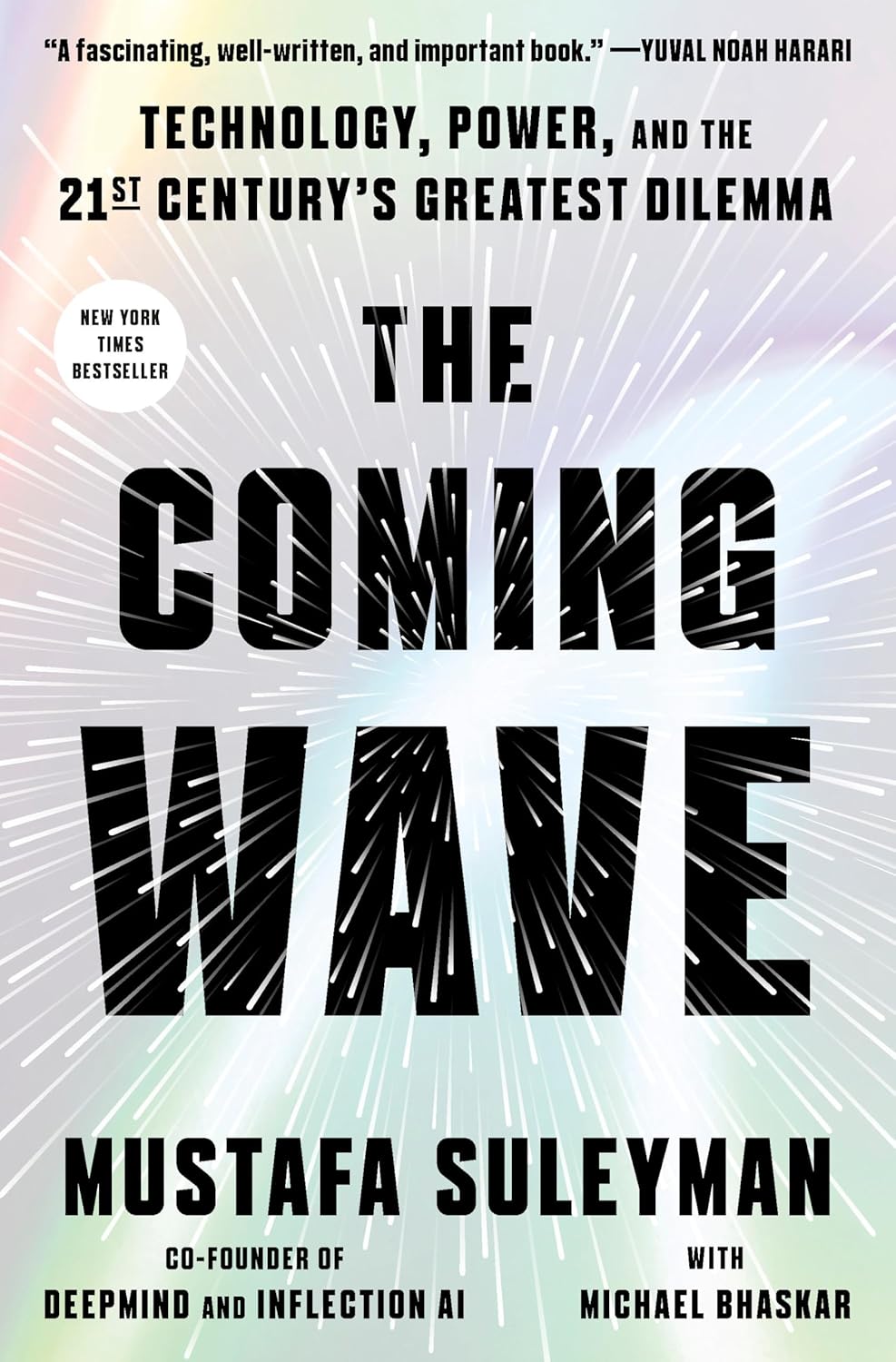
DeepMind co-founder on the dilemma of containing technologies that do not want to be contained.

The reference manual for building products on top of AI models: prompts, RAG, fine-tuning, agents, evaluation and deployment.
As an Amazon Associate, Zendoric earns from qualifying purchases; the price does not change for you. · all our recommended books →
🔗 Related on Zendoric